Canva App: Safezones
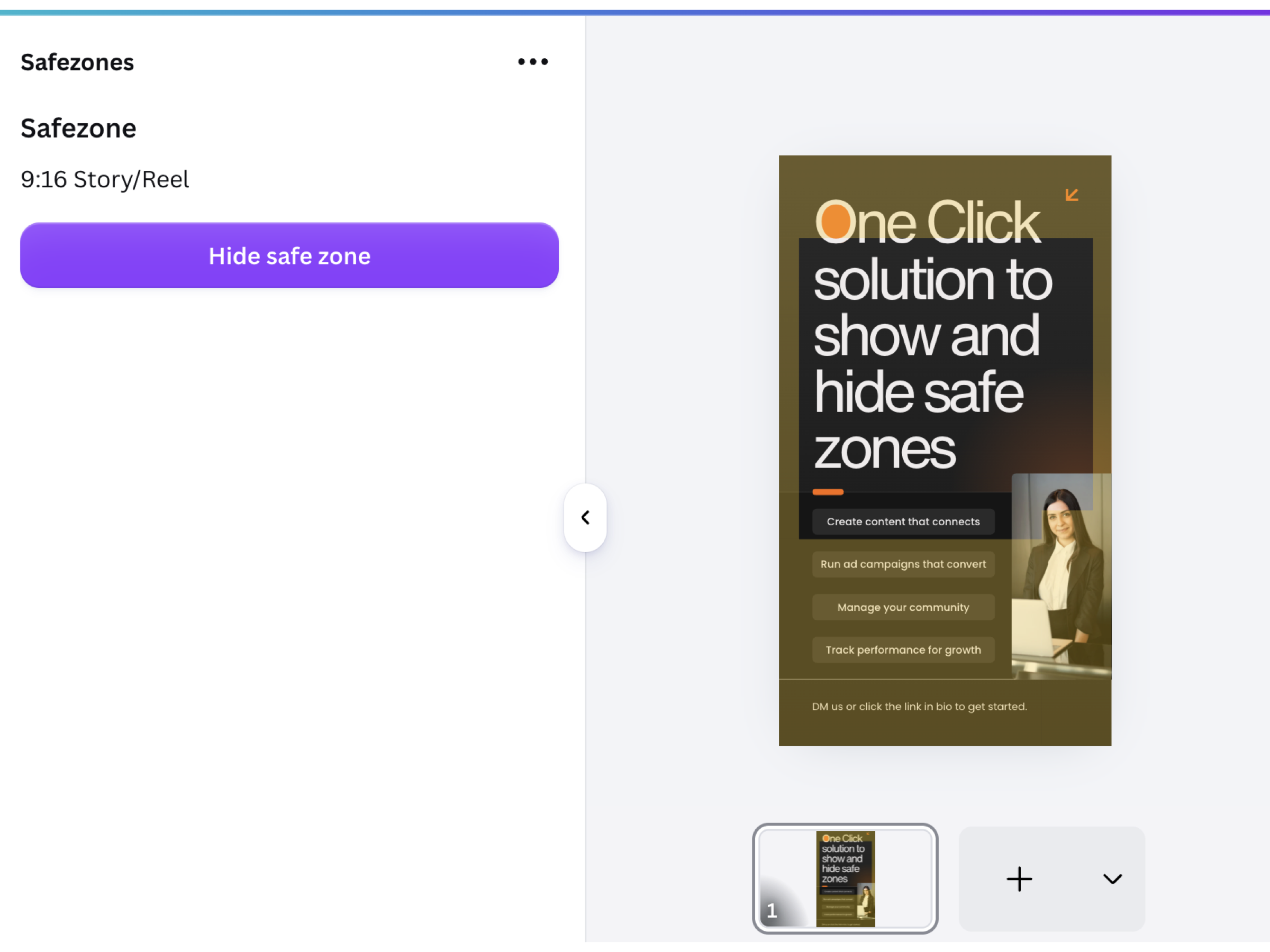
Canva is a powerful tool for creating clean ad designs quickly. But if you build ads every day, there is one moment that comes up again and again: you need to check whether your headline, logo, or call to action
is actually sitting inside the safe area.
That is why I built Safezones. No complicated checks, no long menus, no five-click workflow. The app does one simple thing: it adds a safe-zone overlay to your design with a single toggle, and removes it just as quickly.
The idea comes directly from my agency work. I usually create performance ad designs in these three formats:
- 9:16 story/reel for vertical ads and social placements
- 4:5 feed for high-impact feed creatives
- 1:1 square for classic square ad designs
Safezones is optimized for these formats first. For other fixed-size formats, the app currently adds calculated edge safe zone of roughly 10%, so you still get a quick visual reference. More formats and more precise overlays will be added over time.